Select the model you want to generate your video with.

Task

Click to upload or drag and drop

Supported formats: JPG, JPEG, PNG; each file max 10MB.

0/1800

No Watermark

Private

Free Grok Imagine AI Image Generator at Ximagine.io

What's New in Grok Text to Image?

Lightning-Fast Generation with Grok Imagine AI

Lightning-Fast Generation with Grok Imagine AI

Sharper, More Realistic Grok Images Than Ever

Sharper, More Realistic Grok Images Than Ever

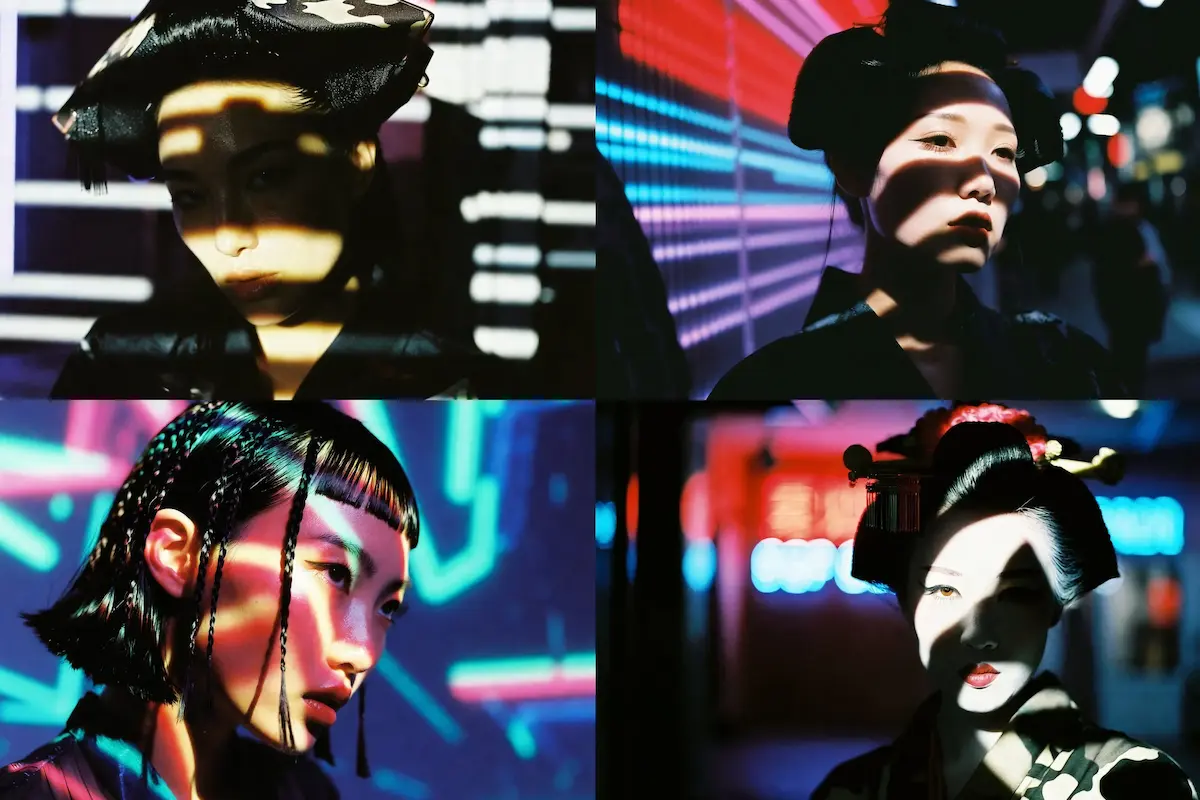
Natural Lighting & Depth in Every Grok Imagine AI Creation

Natural Lighting & Depth in Every Grok Imagine AI Creation

Key Features of Grok Image Generator

Blazing-Fast Grok Image Generator

Blazing-Fast Grok Image Generator

Real-Time Infinite Rendering with Grok Imagine AI

Real-Time Infinite Rendering with Grok Imagine AI

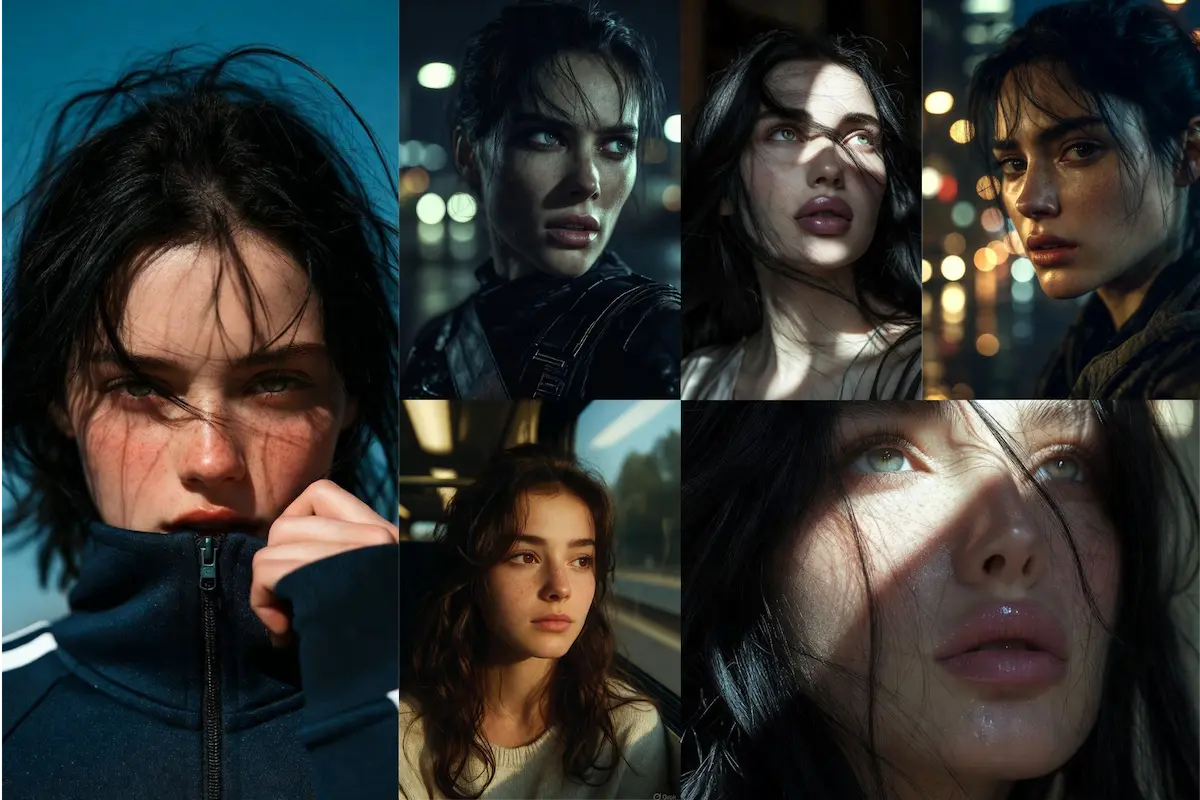
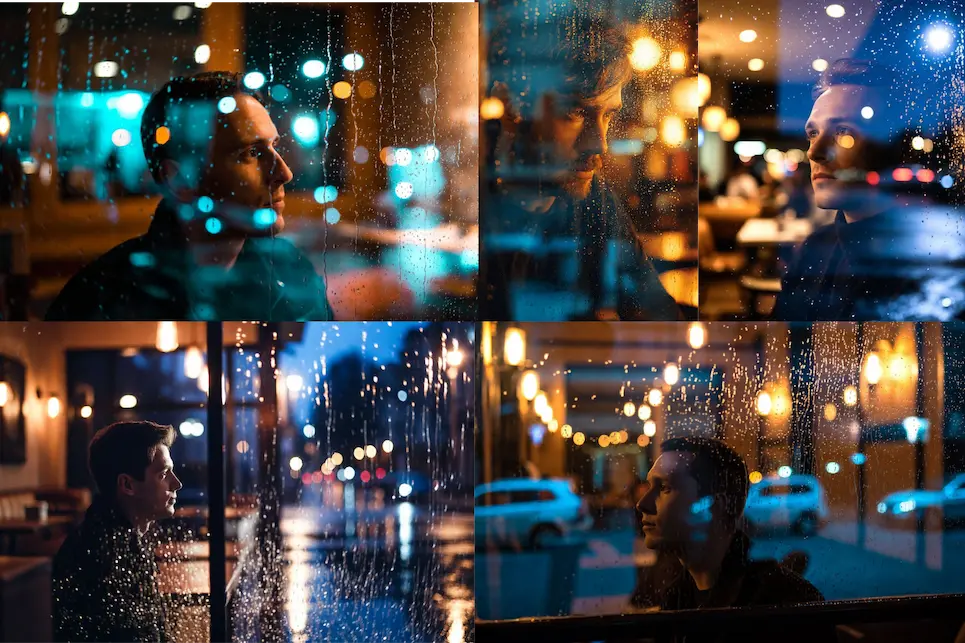
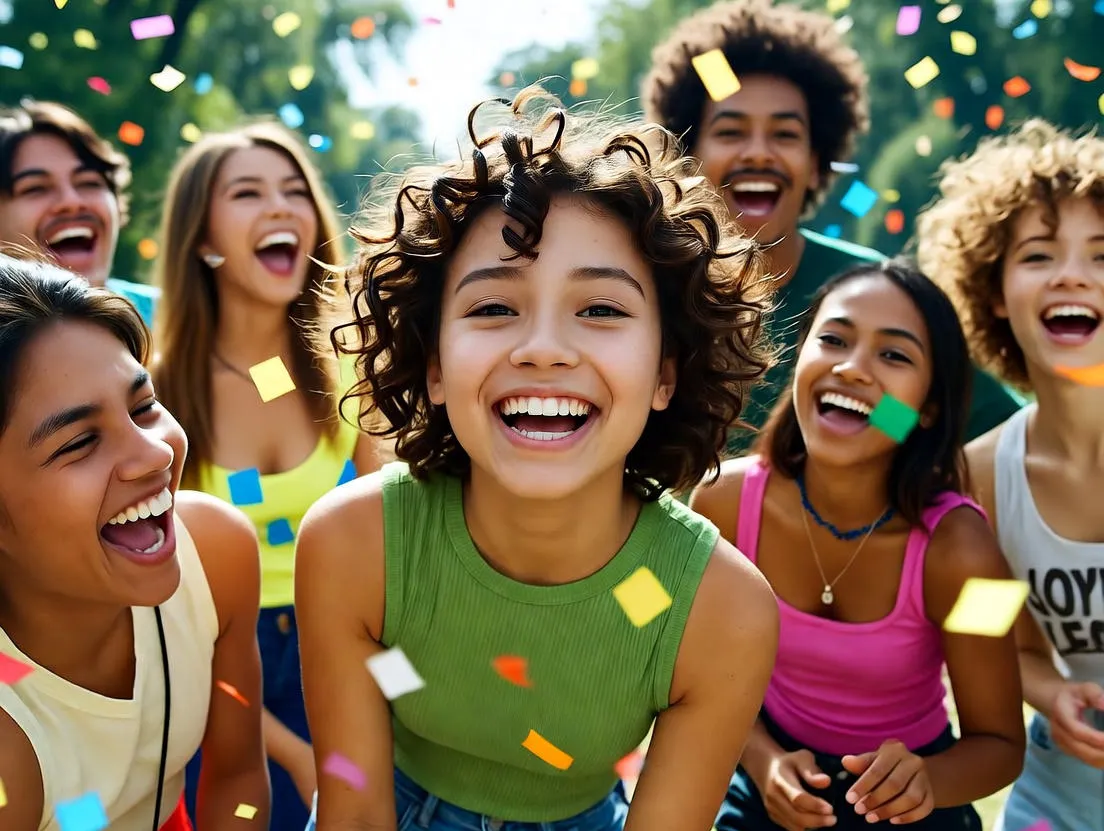
Hyper-Realistic Grok Images with True Emotion

Hyper-Realistic Grok Images with True Emotion

Turn Grok Images into Smooth Videos Instantly

Enhance Grok Imagine Videos with Spicy Mode

How to Create Images with Grok Imagine Image Generator?

1.Visit Ximagine.io And Select Grok Text to Image

2.Type Your Grok Image Prompt

3.Generate Grok Images or Turn Them into Video

Real-World User Cases with Grok AI Image Generator

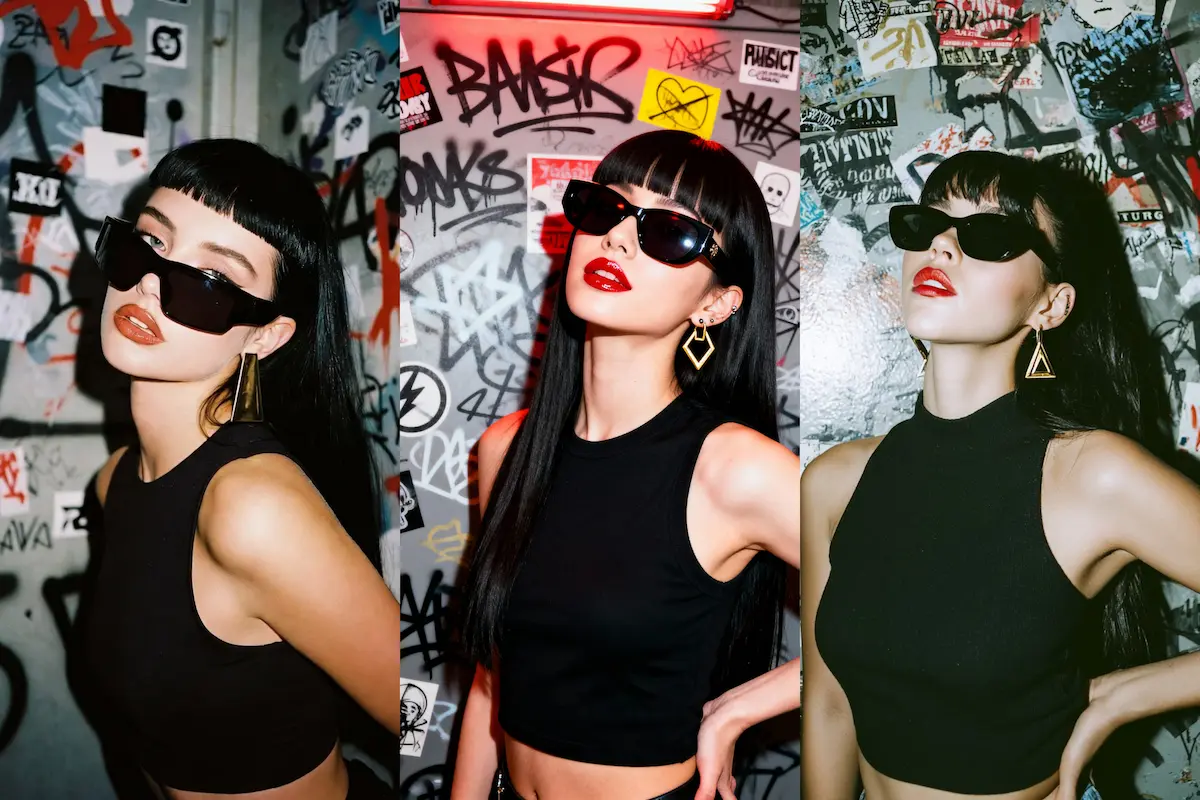
Social Media Creators Post

Marketers Build Campaigns

Artists & Designers Explore Ideas

Best Prompts for Grok Imagine AI Image Generator

Serene Misty Forest

Retro Car at Sunset

Majestic Lion at Sunrise

Astronaut in Deep Space

Medieval Knight in Storm

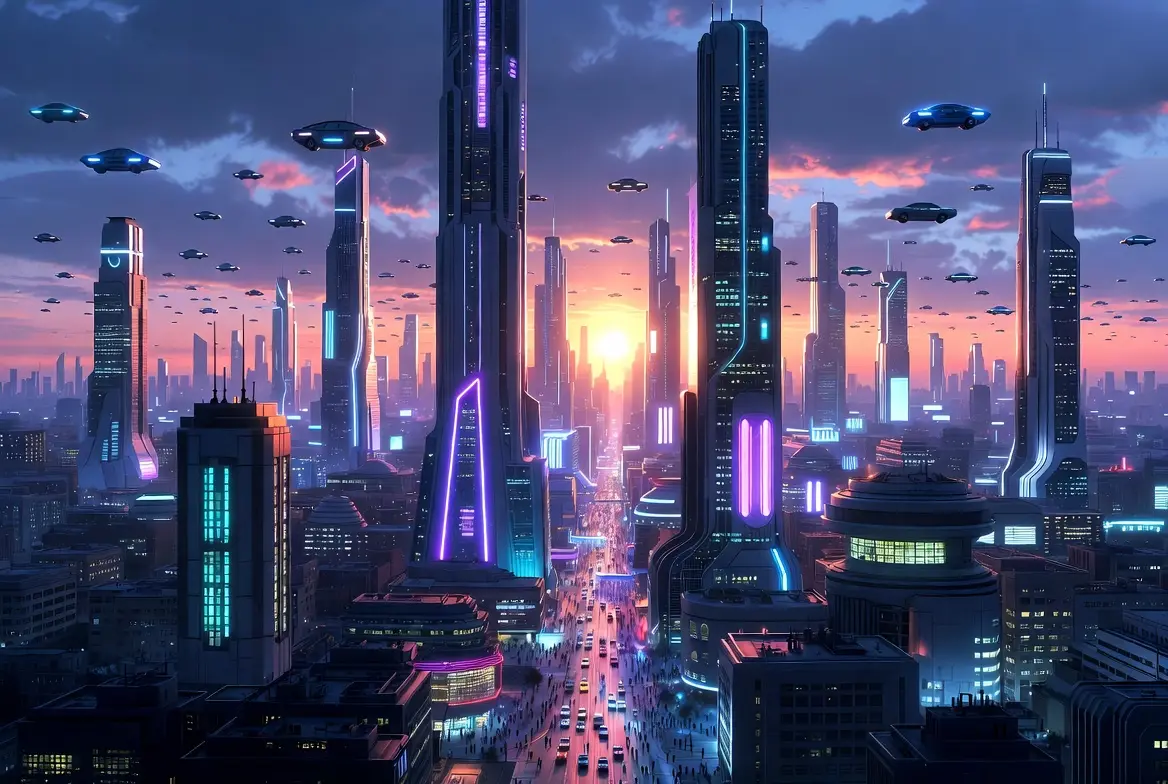
Futuristic Cityscape at Dusk

FAQs about Grok Imagine AI Image Generator on Ximagine.io